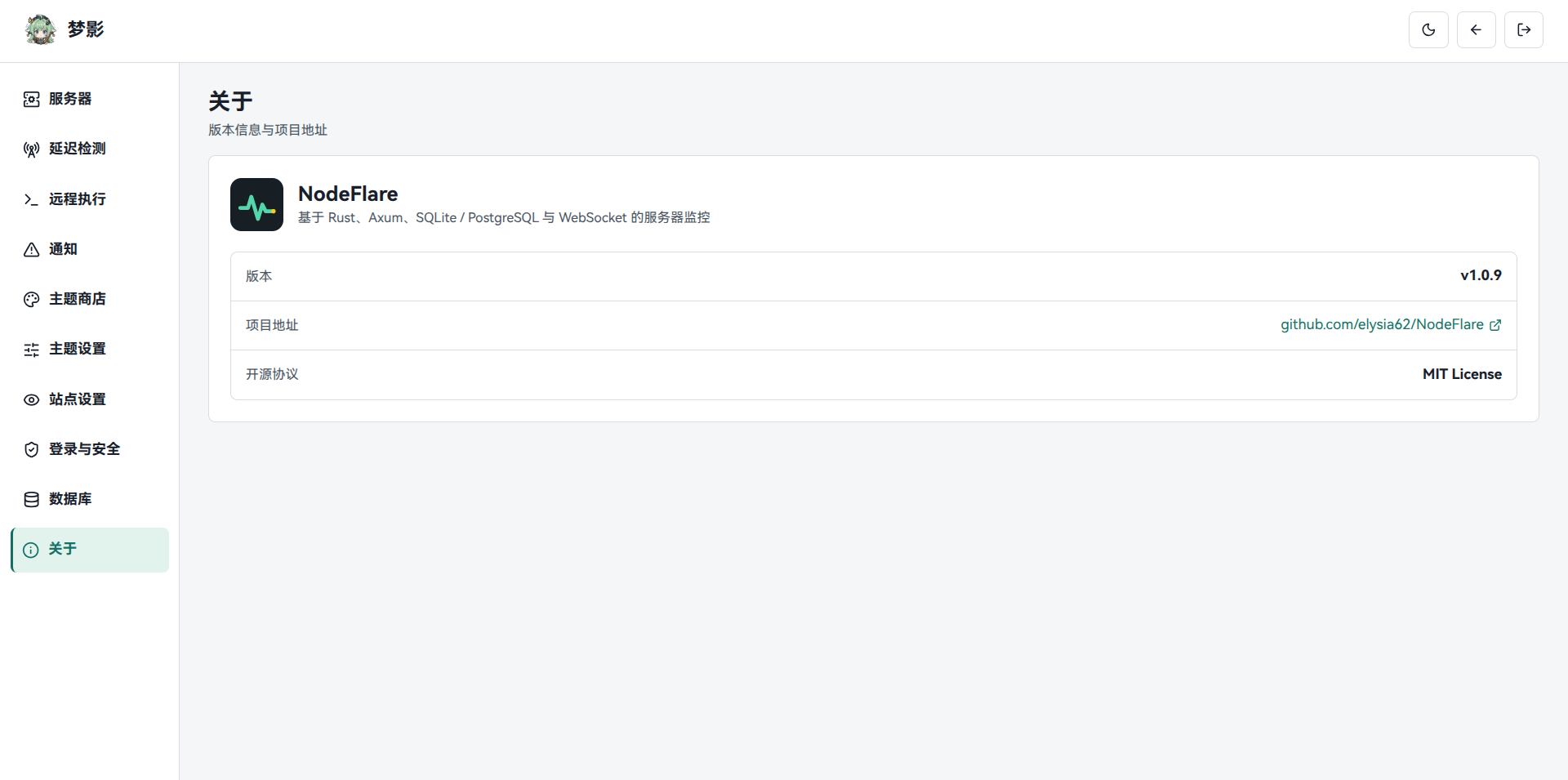
Screenshots
NodeFlare consists of a public dashboard and an admin panel, both available in Chinese / English. The site name, announcement, logo, background image, and visible sections are configurable in the admin panel.
Public Dashboard
The visitor-facing status dashboard; cards refresh every second. Click the image to open the live demo and try node details, history charts, and the theme toggle without deploying anything.
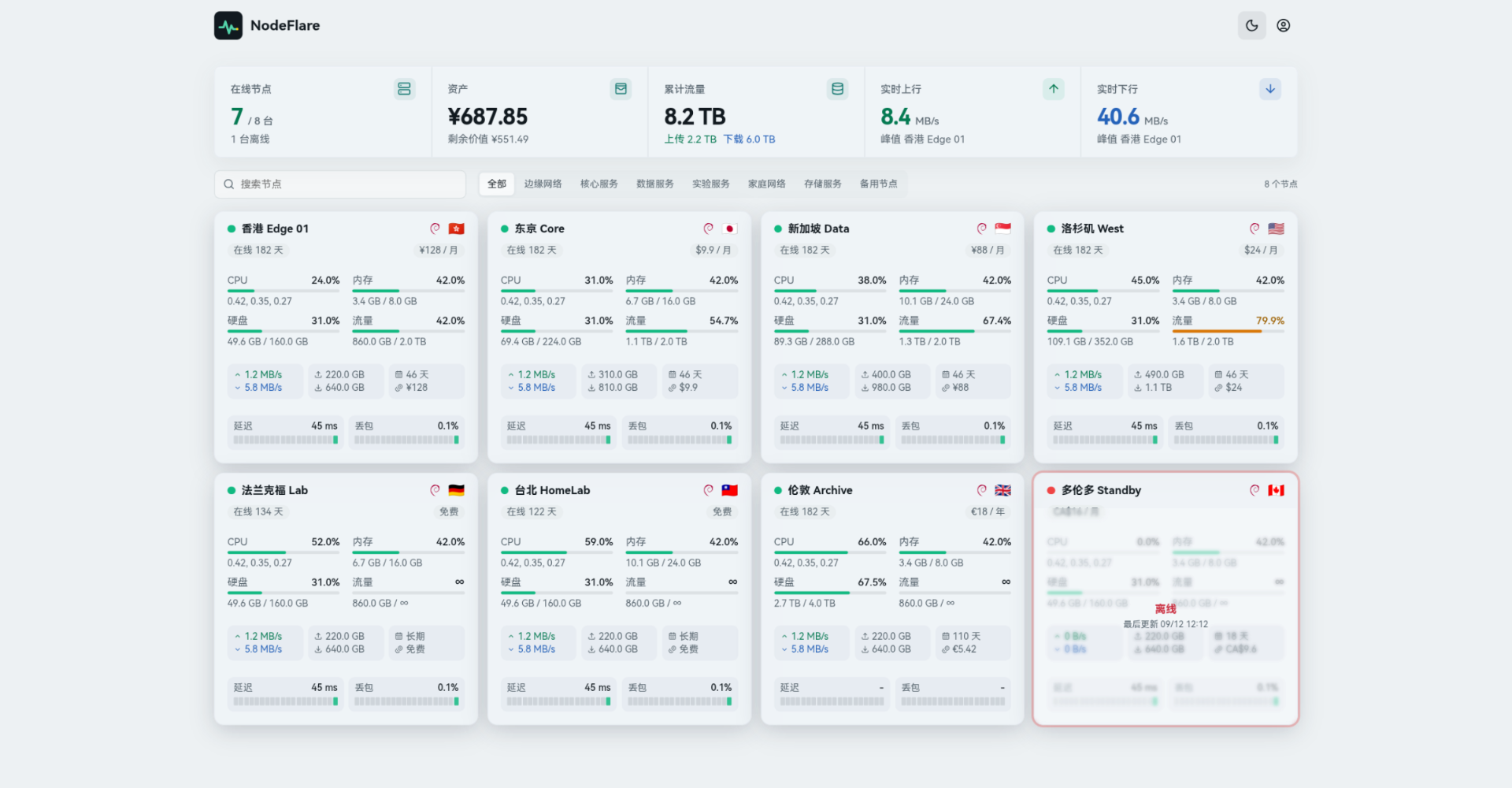 ▶ Live Demo
TIP
The live demo runs on simulated data — get familiar with the UI before setting up your own panel.
Admin Panel
Nodes, alerts, themes, and databases are all managed from the admin panel. You can also open the admin demo (username and password: admin).